Apple Vision Pro
だけで、
Macを操作。
Control Mac with only
Apple Vision Pro.
Love Future Life.
Love Future Work.
Love Future Life.
Love Future Work.
開発者が欲しいものを設計しました。
ノイズのない、洗練されたデザイン。使うたびに、好きになる。
Panoramacといっしょに未来の生き方・働き方をはじめましょう。
Designed around what its developer wanted to use.
A refined interface with no noise. The more you use it, the more you like it.
Start a future way to live and work with Panoramac.
ようこそ未来へ。 Welcome to the Future.
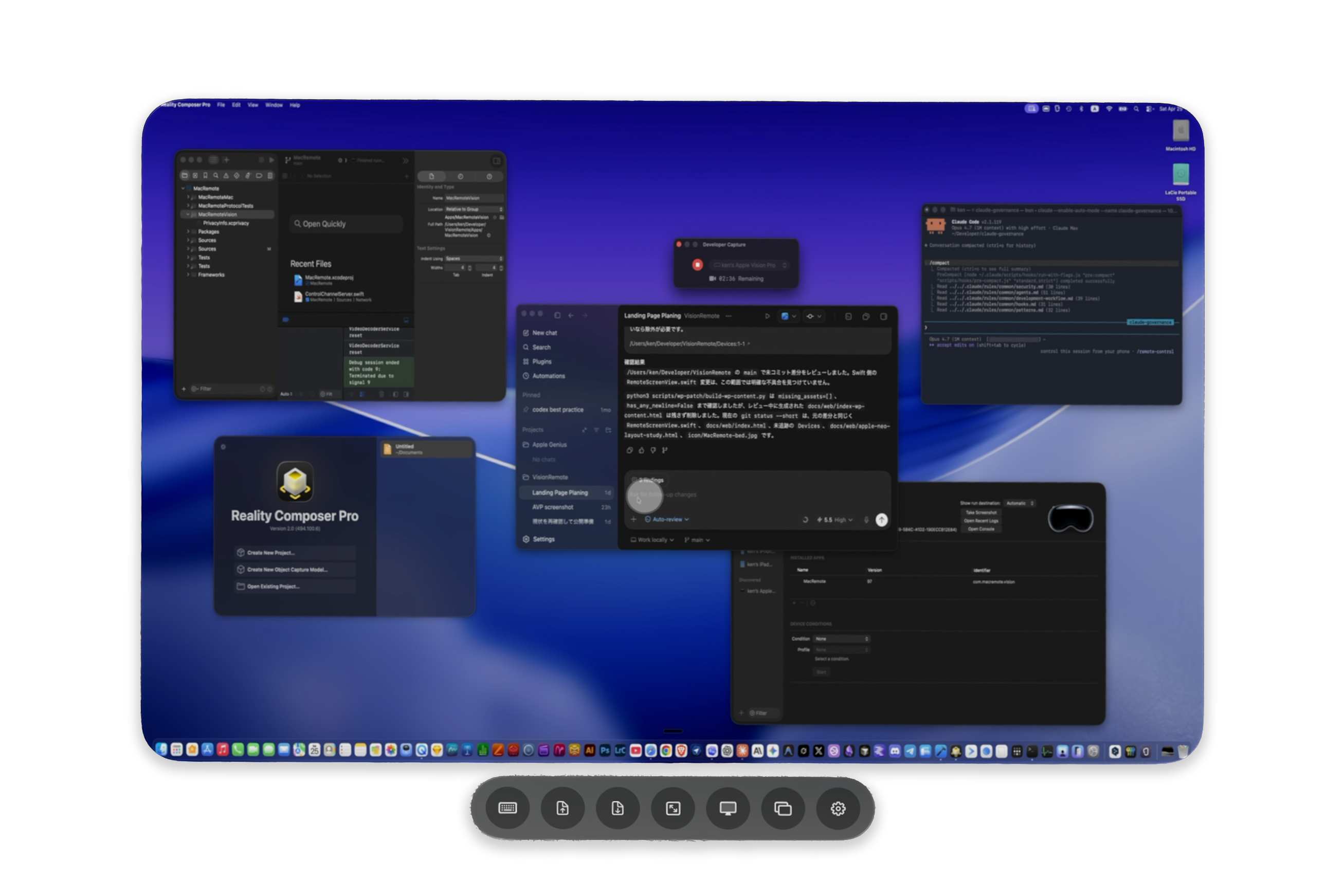
部屋のどこからでもApple Vision ProでMacを表示し、視線と手のジェスチャーで操作できます。
テキスト入力には音声入力やオンスクリーンキーボードを使えます。
View your Mac from anywhere in the room and control it on Apple Vision Pro with eye and hand gestures.
Use dictation or the on-screen keyboard for text input.
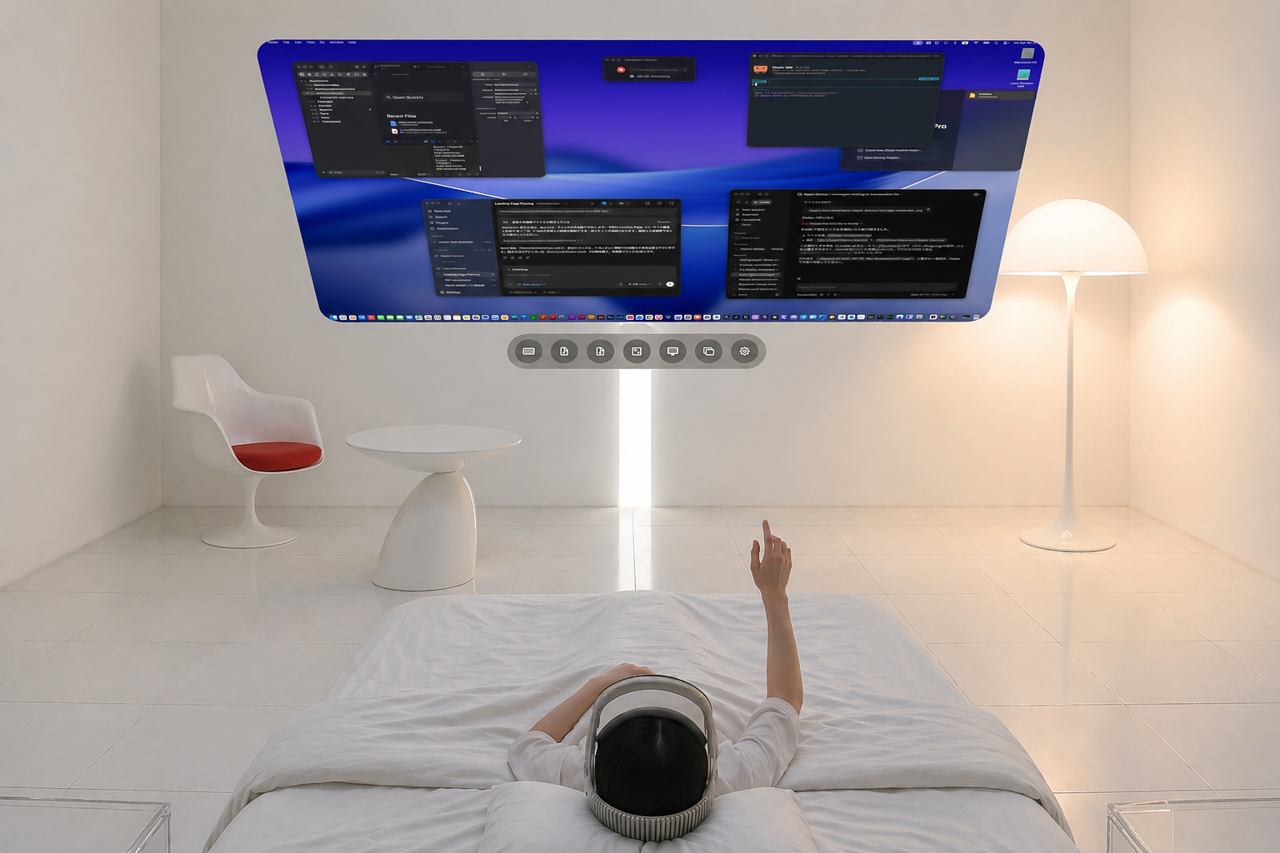
ベッドで。 In Bed.
寝転んで閃いたアイデアをClaude Codeでコーディング。 Code an idea that struck you with Claude Code.
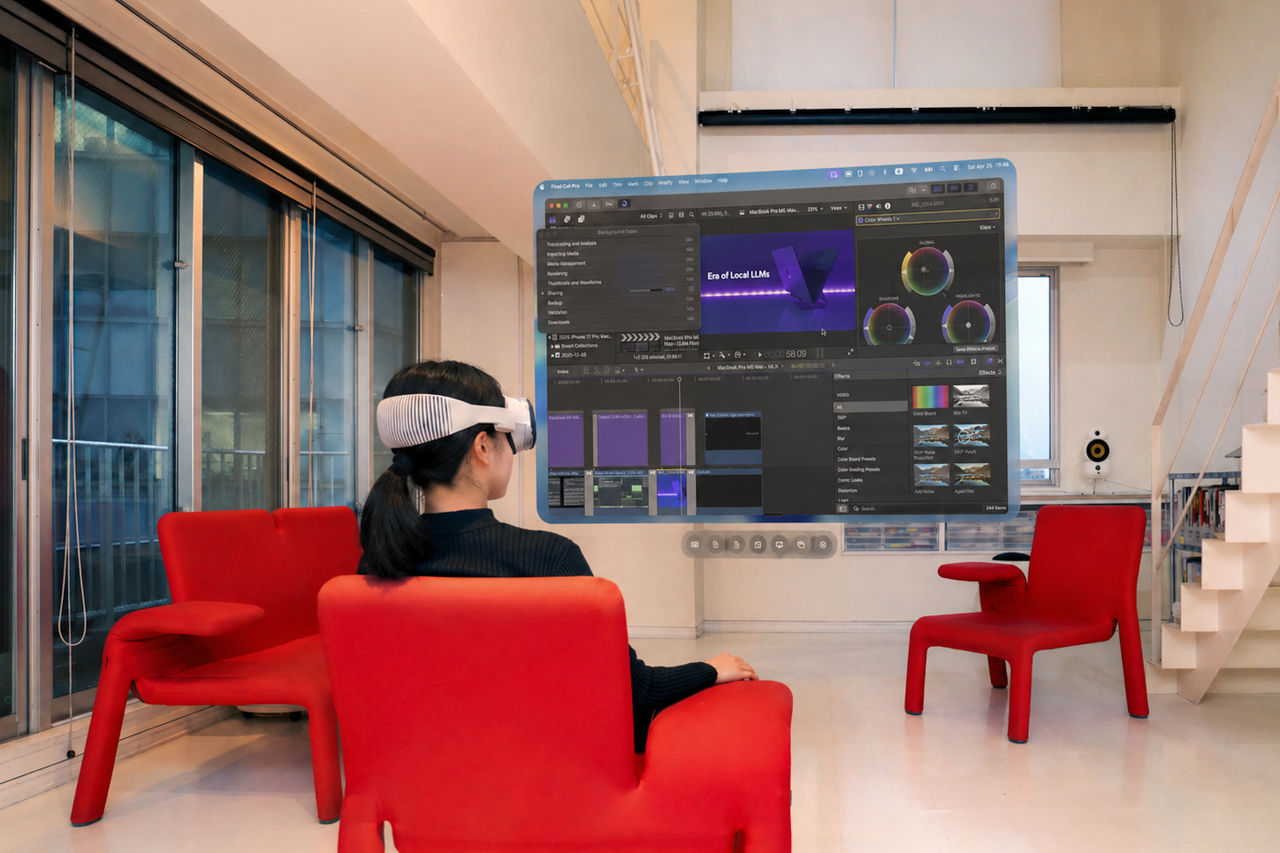
ソファで。 On the Sofa.
くつろぎながらFinal Cut Proの書き出し進捗をチェック。 Check Final Cut Pro export progress while you unwind.
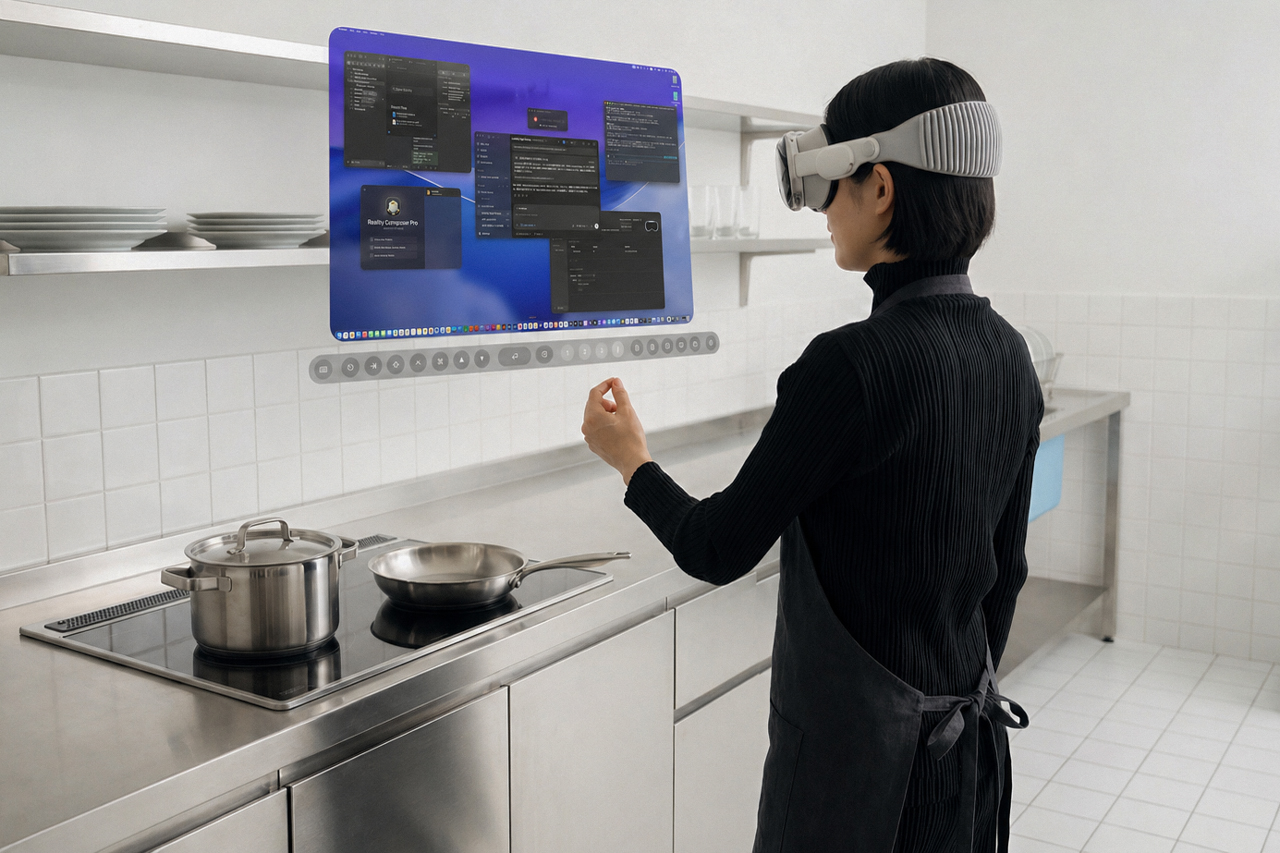
キッチンで。 In the Kitchen.
お料理の合間にCodexの承認をクリック。 Click approve in Codex between cooking tasks.
Apple Vision Proから、
Macを操るために。
Built for Mac control
on Apple Vision Pro.
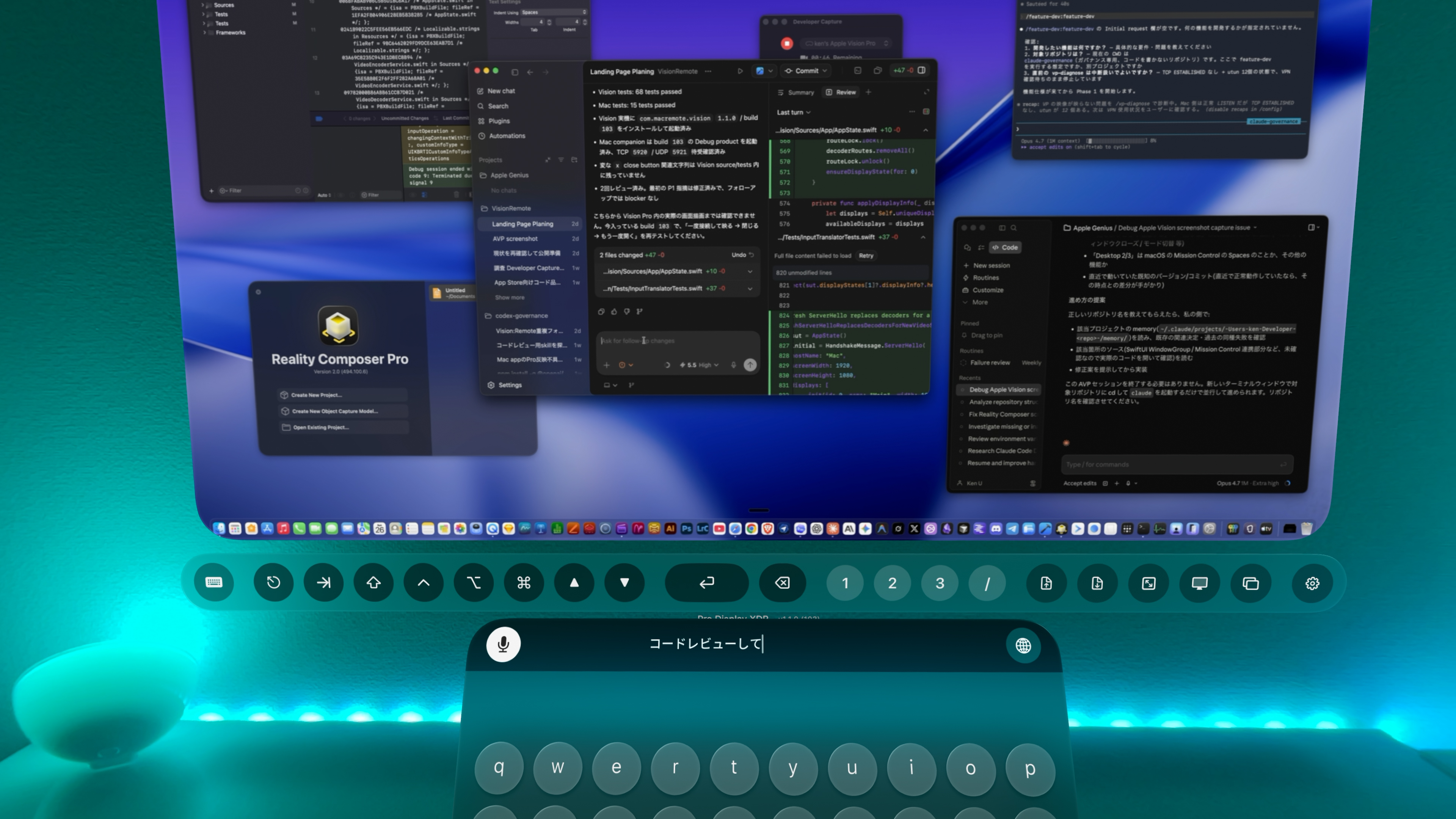
リモートデスクトップ Remote Desktop
空間コンピュータから視線と手のジェスチャーでMacを操作できます。テキスト入力には音声入力も使えます。 Control your Mac from a spatial computer with eye and hand gestures. Use dictation for text input.
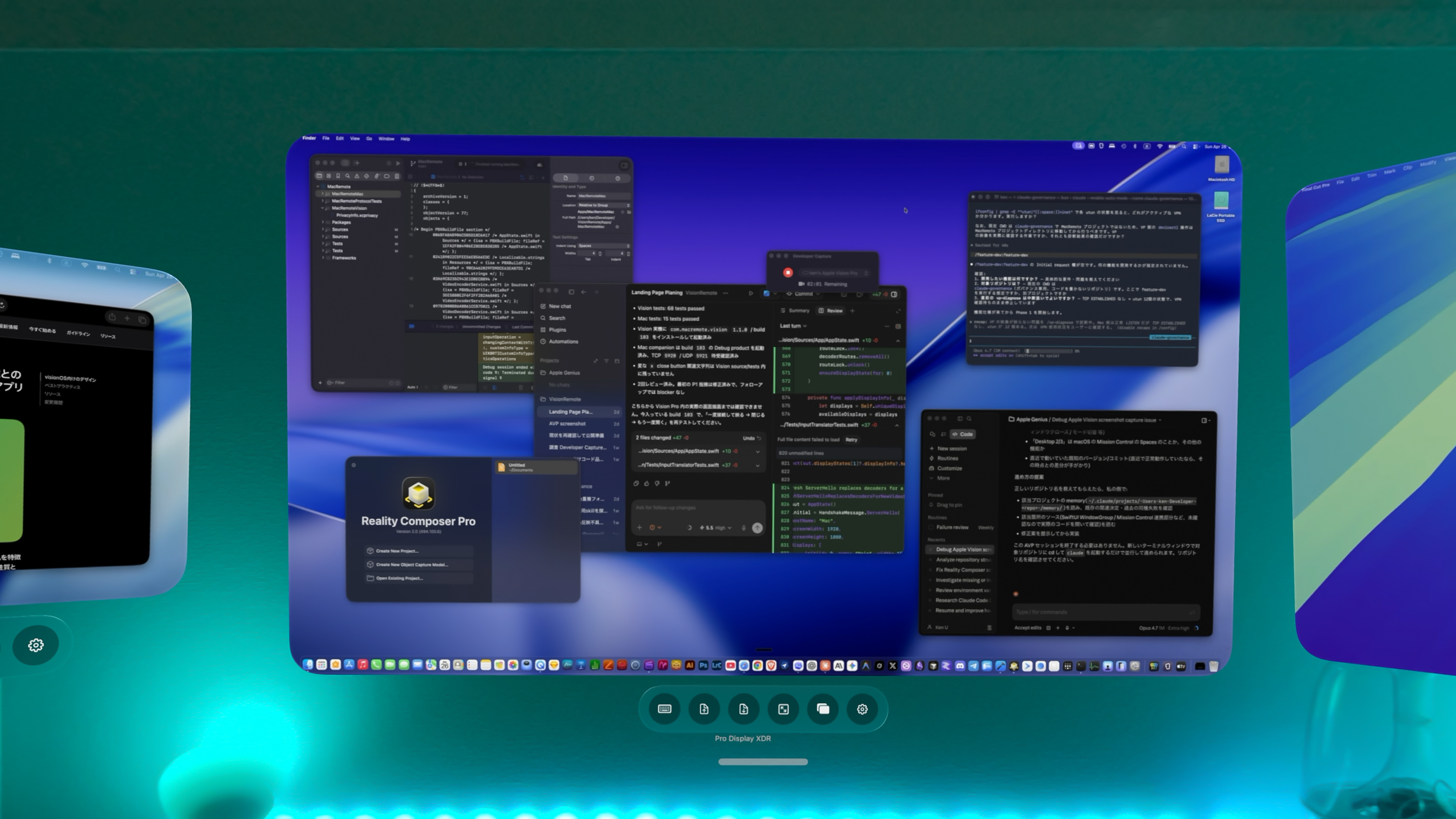
マルチディスプレイ Multiple Displays
Macの画面を最大3画面まで空間に並べて表示できます。 Place up to three Mac displays side by side in your space.
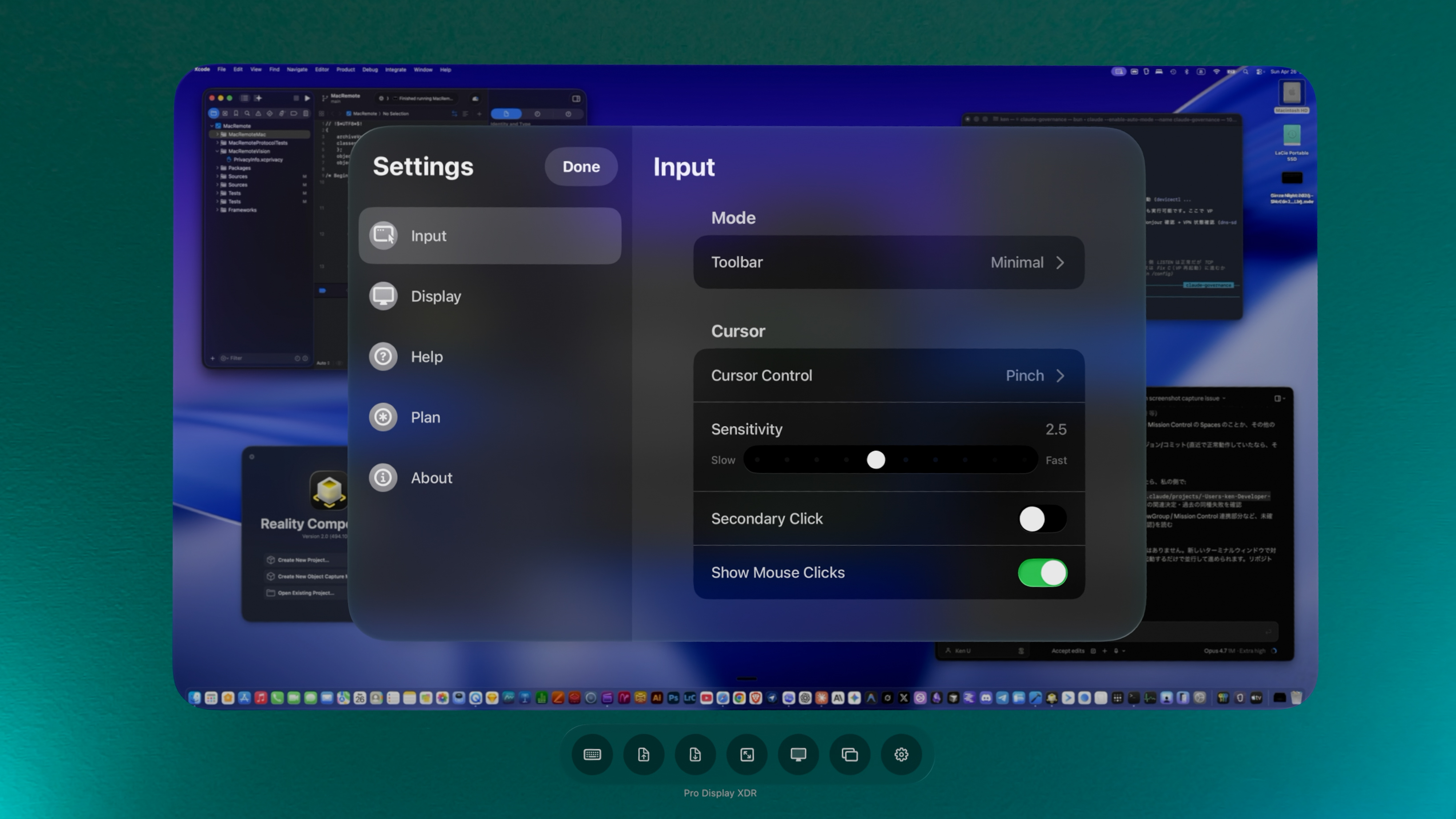
カスタマイズ Customization
ツールバーや入力モードを好みに合わせてカスタマイズできます。 Customize the toolbar and input modes to suit how you work.
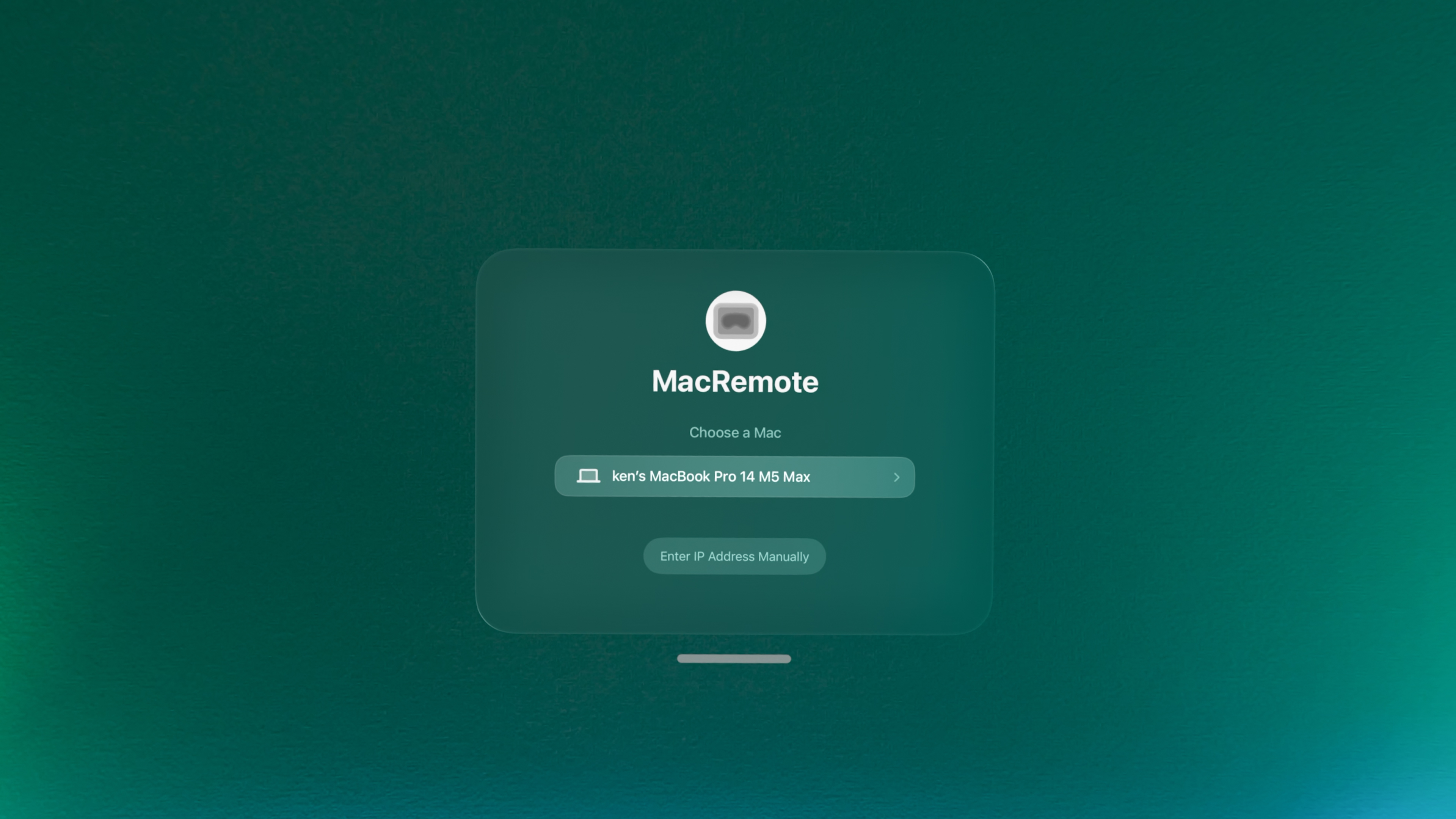
ローカル接続 Local Connection
画面接続はクラウド中継なしのローカルネットワーク内で完結します。 Screen streaming stays on your local network, with no cloud relay.
Panoramacをセットアップ。 Setup Panoramac.
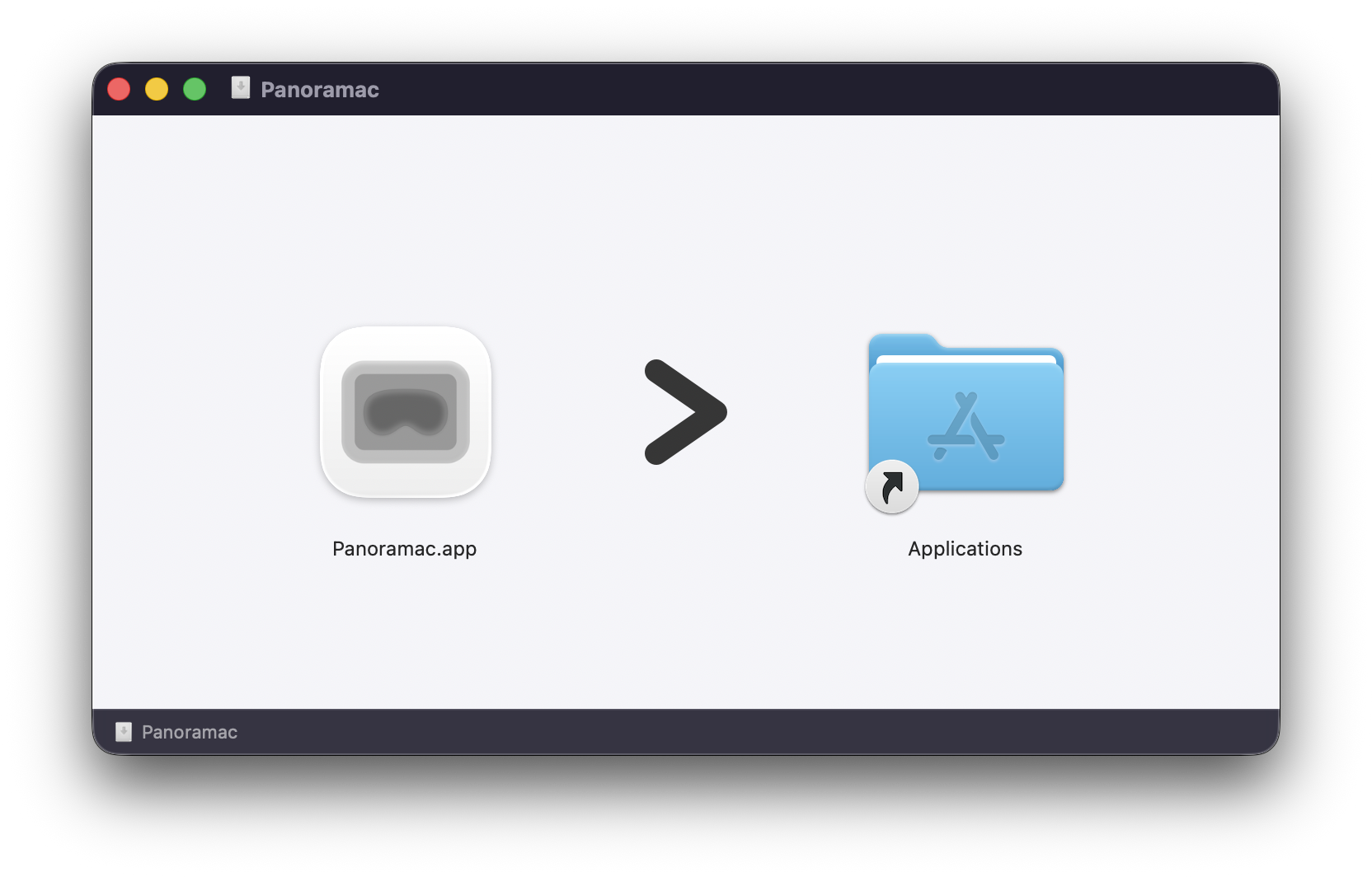
1. Macアプリをインストール 1. Install the Mac app
MacにPanoramac Connectをインストールして起動し、メニューバーに常駐させます。Macアプリをダウンロード Install Panoramac Connect on your Mac and launch it to place it in the menu bar. Download the Mac app
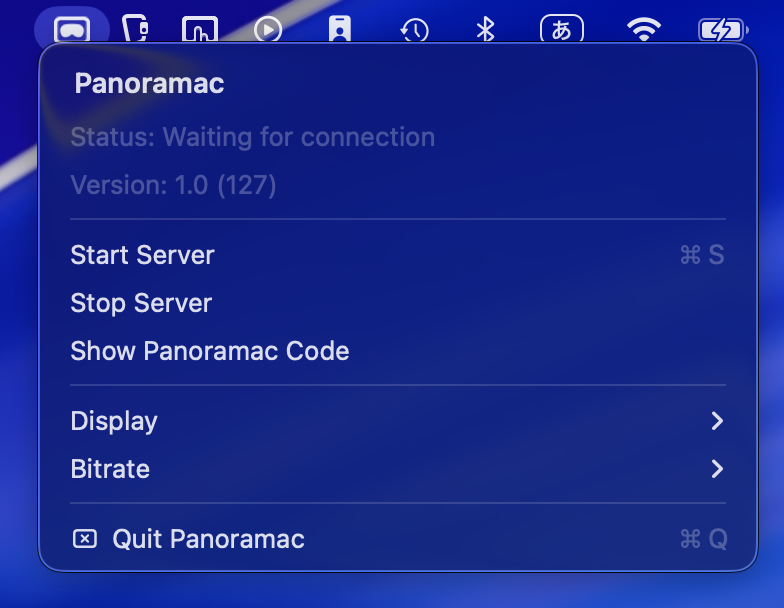
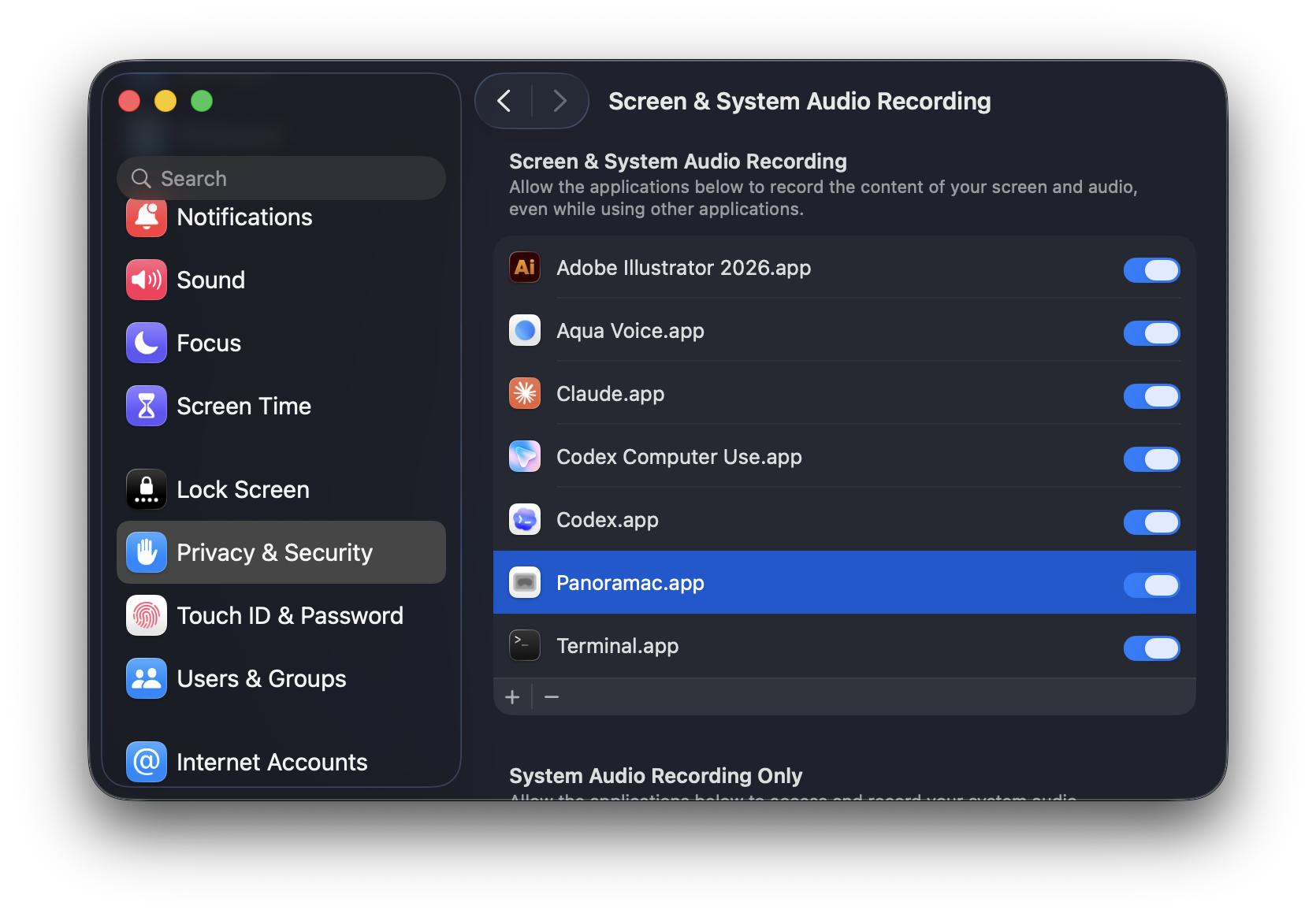
2. Macの権限許可 2. Grant permissions
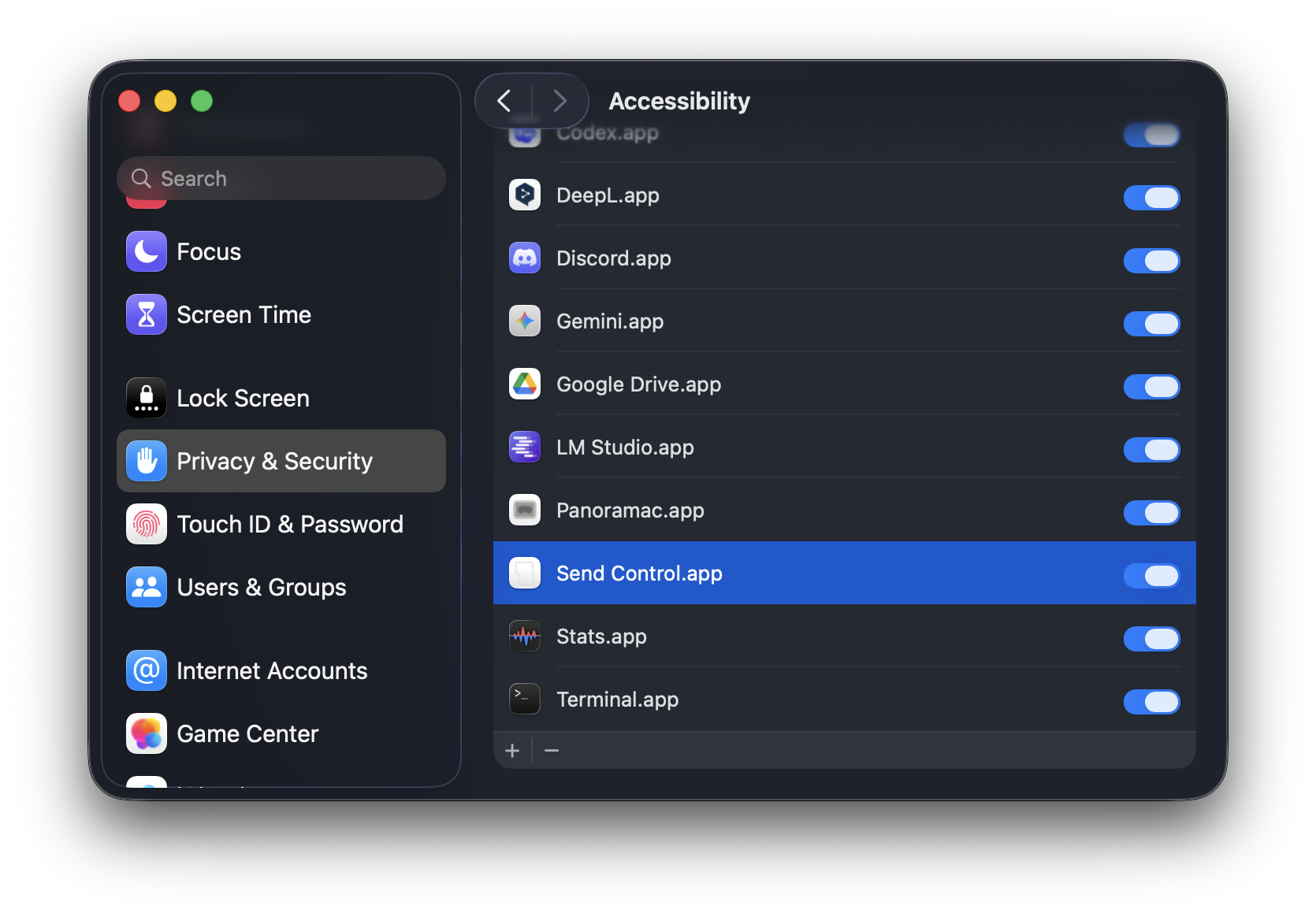
システム設定で「画面収録」と「アクセシビリティ」をPanoramac Connectに許可します。画面の送信と入力操作にそれぞれ必要です。 In System Settings, allow Screen Recording so Panoramac Connect can stream your display, and Accessibility so it can deliver input.
3. 接続コードを入力 3. Enter the connection code
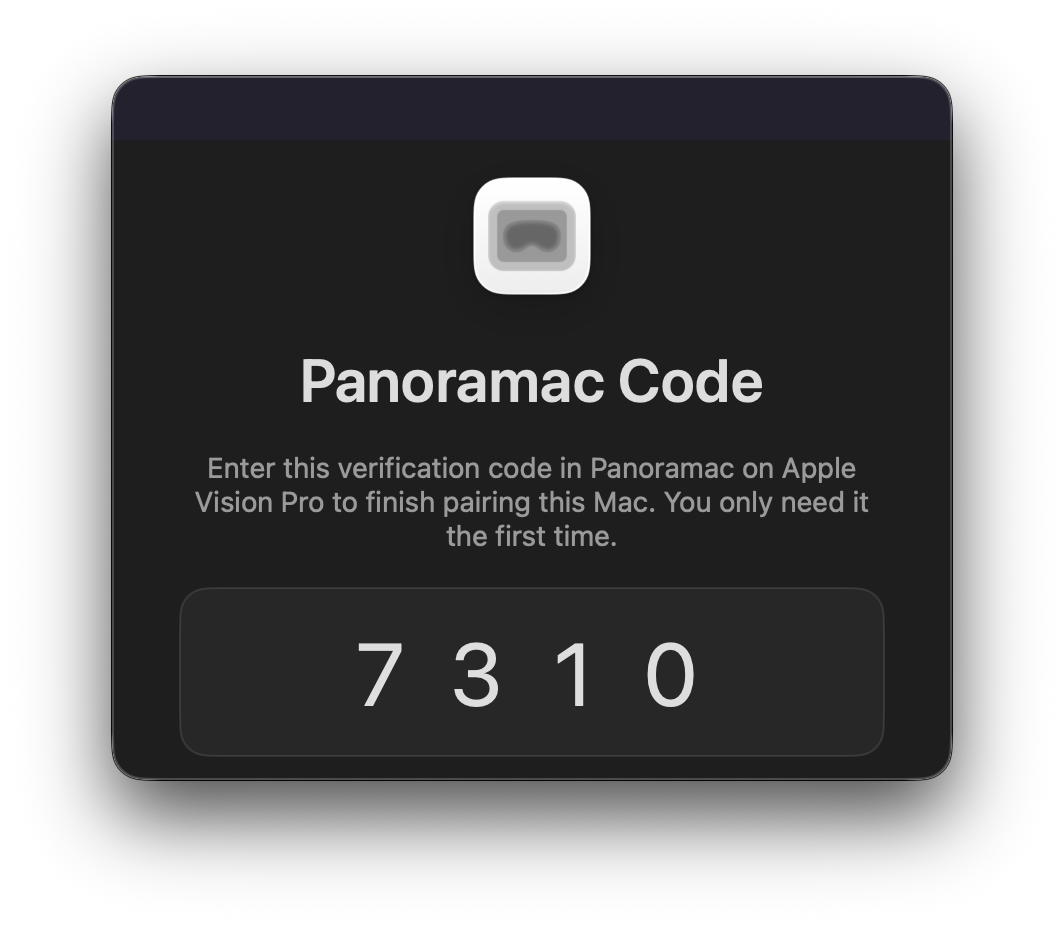
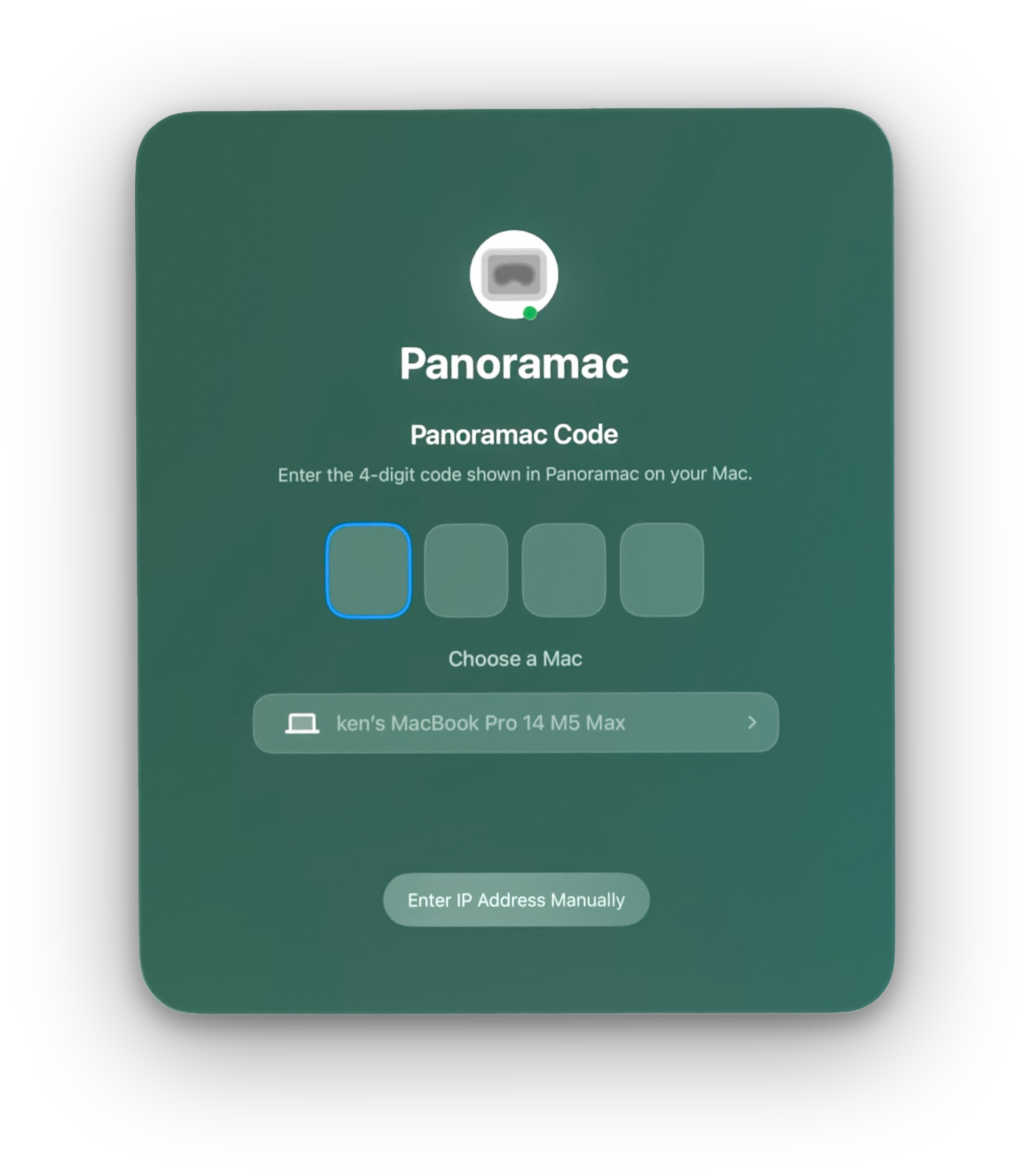
Apple Vision ProとMacを同じWi-Fiに接続し、Apple Vision ProでPanoramacを開きます。Macに表示される4桁のコードを入力してから、Macを選択します。 Connect Apple Vision Pro and Mac to the same Wi-Fi, open Panoramac on Apple Vision Pro, enter the four-digit code shown on Mac, and then choose your Mac.
こういうのが欲しかった。 This is what I wanted.
2024年2月、Apple Vision Proを手に入れてから、私はキッチンで料理しながらApple TVで映画をみたり、ベッドで寝転がりiMessageでチャットできるようになりました。 Since I got Apple Vision Pro in February 2024, I have been able to watch movies on Apple TV while cooking in the kitchen, and chat on iMessage while lying in bed.
デスクでは、MacBook Proで、Claude CodeやCodex CLIを使ってTerminalでコーディングをしたり、Final Cut Proで動画制作をします。そして、ソファでくつろいだり、フロアでストレッチしながら、コーディングやレンダリングが終わるのを待ちます。 At my desk, I code in Terminal on my MacBook Pro using Claude Code and Codex CLI, and edit videos in Final Cut Pro. Then I relax on the sofa or stretch on the floor while I wait for code to compile or videos to render.
すると、Apple Vision Proでそれをしたくなります。 And then I want to do that on Apple Vision Pro.
最初に考えたのが、visionOSのMac Virtual Display機能を使うことですが、私がしたいのは物理キーボードとマウスをキッチンやベッドに持ち運ぶ旧式な方法ではありません。 The first idea was to use the Mac Virtual Display feature in visionOS, but what I wanted was not the old-fashioned approach of carrying a physical keyboard and mouse to the kitchen or the bed.
次に、各アプリのリモート操作機能もありましたが、私がしたいのはmacOSのデスクトップ全体を、視線と手のジェスチャーで操作し、必要なときにテキストも入力することです。 Next, I looked at the remote control features built into individual apps, but what I wanted was to operate the whole macOS desktop with eye and hand gestures, and enter text when needed.
そこで、Panoramacプロジェクトを始動しました。本格的な作業はデスクでするので、ノイズのないUI/UXデザインで、本当に必要な機能に集中しました。 So I started the Panoramac project. Since I do my serious work at my desk, I focused on the features I truly need, with a quiet UI and UX free of noise.
ちなみにこのアプリの開発や試験運用の一部は、Panoramacのベータ版を使いキッチンやベッドで行われました。 By the way, parts of the development and trial runs for this app were done in the kitchen and in bed, using a beta build of Panoramac.
Apple Vision Proは、Future Life/Work《未来の生き方・働き方》をもたらしてくれました。 Apple Vision Pro has brought me a Future Life / Work.
— Ken Utsumi
Panoramac
部屋のどこからでもMacを操作。 Control your Mac from anywhere in the room.